One team chat
Sessions, routines, and plans go in one chat. Choose whether everyone posts or only the staff, and athletes can still send the coaches a question.

LOGR gives a team one chat, one calendar, and one look at who trained today, while every athlete keeps their own workout log. Team lifts, practice, conditioning, and extra sessions all go in the same place.
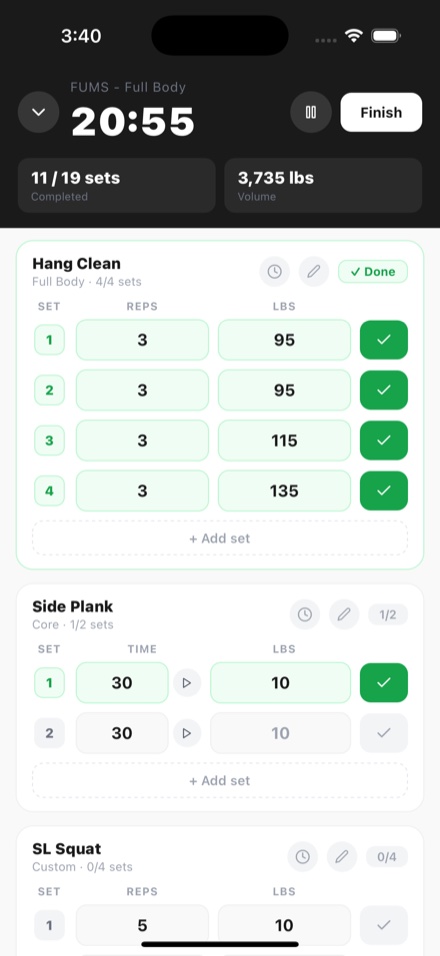
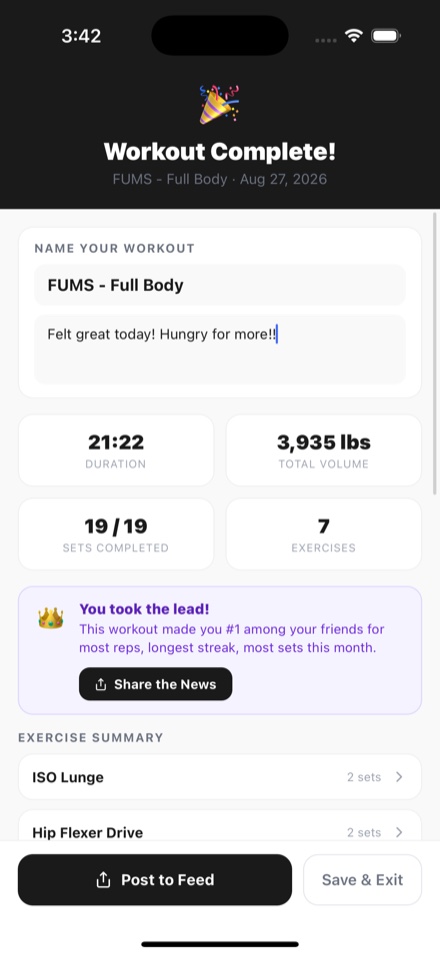
Sessions, routines, and plans go in one chat. Choose whether everyone posts or only the staff, and athletes can still send the coaches a question.
Coaches plan a day or a repeating session for the whole team or a group. Each plan lands on every athlete's own calendar, with the coach's notes.
A bar at the top of the team chat shows who has trained today, who leads on volume, and who has the longest streak.
Team colors and a banner teammates can hang on their profiles, and a team page anyone can open from it.
Joining is a link. Share it, or invite teammates straight from your contacts, then follow the whole team in one tap.
More on LOGR for coaches, college athletes, and training with friends.
Still need help? Contact support →
Anyone can make a team from Messages in the app and invite people with a link or from their contacts. Whoever makes it is asked whether they are the coach, and LOGR confirms each new coach before the coach tools switch on.
Only the coaching staff. Athletes see every plan that is for them on their own calendar, start it from there, and log it like any workout. A plan's notes go on the calendar, never into the chat.
Yes. Teams work at every age from 13 up. Accounts under 18 cannot join group chats or communities, but they can join a team. Teen accounts has the rules.
The team's plans come off their calendar from that day on. Everything they already logged stays theirs, on their own account.
Yes, for now. LOGR is an iPhone app, on the App Store in the United States and Canada.
Yes. Everything on this page is free, with no ads and no subscription. Any future paid features will be clearly explained before they are introduced.
For iPhone on iOS 15.1 or later, in the United States and Canada. No ads, and nothing to set up first.