Plan on a calendar
A single day or a repeating session, for the whole team or a group you saved. Athletes who join later get the whole-team plans too.

Put a session on LOGR's Team Calendar and it lands on every athlete's own calendar with its routine. They log it like any workout, and you see who has trained.
A single day or a repeating session, for the whole team or a group you saved. Athletes who join later get the whole-team plans too.
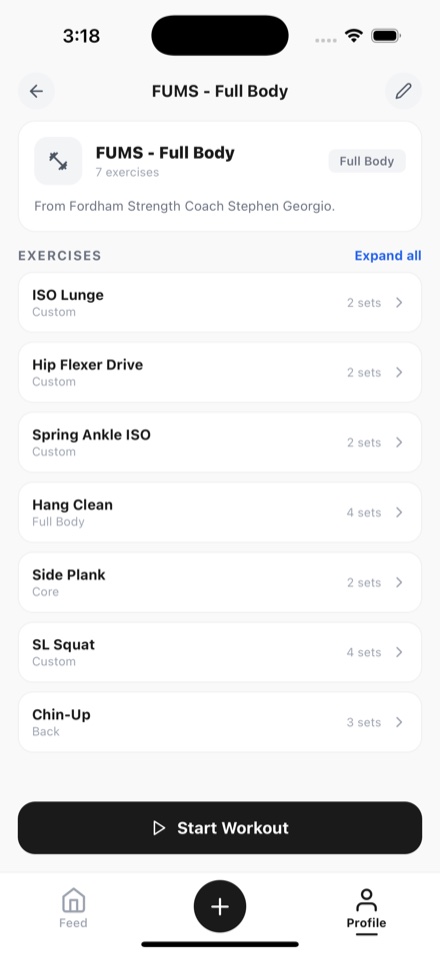
Build the routine in LOGR, or pick one you already have. It opens for every athlete the plan is for, ready to start.
Open any plan to see every athlete it is for and where each one stands: trained, still to do, or skipped.
Post a plan to the chat as a card that changes when the plan does. Choose whether only staff post, and answer the questions athletes send.
Captains and Vice Captains help run the team. Notes you add to a plan go on athletes' calendars as yours, never into the chat.
More on LOGR for teams, college athletes, and training with friends.
Still need help? Contact support →
Make a team from Messages in the app and answer Yes when it asks whether you are the coach. LOGR confirms each new coach, and the coach tools switch on once it does. You can then make other coaches on the team.
Yes. Everything on this page is free, with no ads and no subscription. Any future paid features will be clearly explained before they are introduced.
Each athlete gets their own copy on their own calendar and can skip a day, which the plan's list of athletes shows. Only the coaching staff can change the plan itself.
Who trained on a planned day, as far as each athlete's privacy settings allow. Everything else they log follows those same settings, like any account on LOGR.
No. They join the team from your link, and every plan for them shows up on their calendar. Teams work at every age from 13 up.
For iPhone on iOS 15.1 or later, in the United States and Canada. No ads, and nothing to set up first.